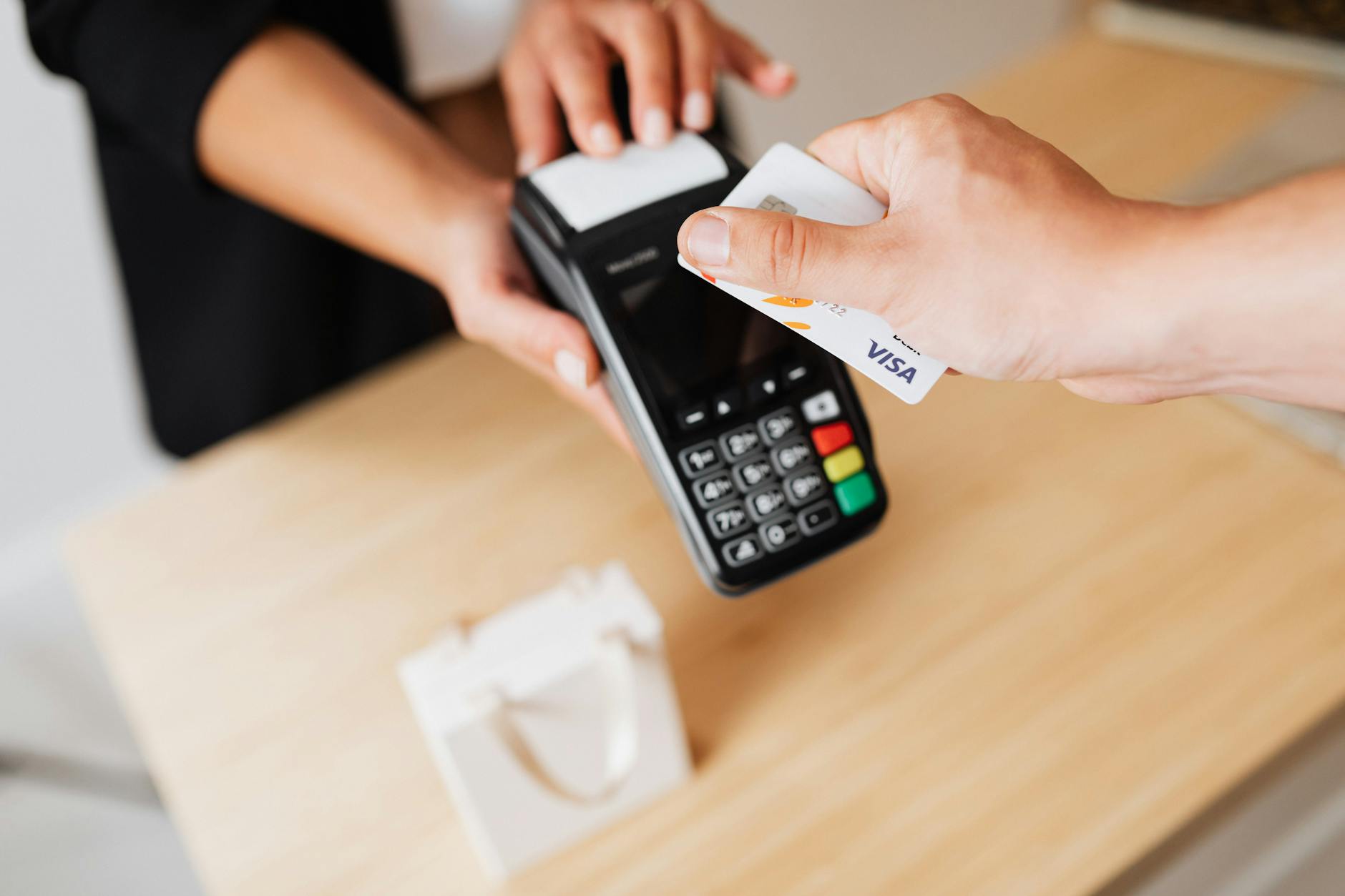
Modern POS Systems: What To Look For When Choosing
The POS market is crowded with options. Here's a practical framework for evaluating systems and choosing the one that fits your business.
Intro
If you search for “POS system” you’ll find hundreds of options. Square, Toast, Lightspeed, Shopify POS, Clover, Vend, and many more. Each one promises to be the best. Each one has different pricing, different features, and different limitations.
The right POS for your business depends on what type of business you run and what you need the system to do. A coffee shop has different needs than a clothing boutique. A restaurant has different needs than a hardware store.
This article provides a framework for evaluating POS systems based on what actually matters.
Hardware Considerations
iPad vs dedicated terminal. Many modern POS systems run on iPads, which are affordable and flexible. Dedicated terminals are more expensive but more durable for high-volume environments.
Payment processing. Does the system work with your existing payment processor? Does it support the payment methods your customers use — chip cards, contactless, mobile wallets?
Peripheral support. Do you need a barcode scanner, receipt printer, cash drawer, customer-facing display? Make sure the system supports the hardware you need.
Portability. Do you need a mobile POS for pop-up shops, farmers markets, or sidewalk sales? Some systems are designed for portable use.
Software Features
Inventory management. Can the system track inventory across multiple locations? Does it support variants (size, color, style)? Does it alert you when stock is low?
Customer management. Can you capture customer data at checkout? Track purchase history? Build loyalty programs? Send targeted promotions?
Reporting. What reports does the system provide? Sales by product, by employee, by time period? Profit margins? Inventory turnover? Can you export data for custom reporting?
Employee management. Does the system support employee logins, permissions, time tracking, and sales performance monitoring?
Multi-location support. If you have multiple stores, can you manage them all from a single dashboard? Can inventory be transferred between locations?
Integration. Does the system integrate with your accounting software, e-commerce platform, email marketing, and payroll system?
Pricing Considerations
POS pricing varies widely:
Subscription fees. Monthly fees range from $0-200 per location. Some systems charge per register. Some charge per user. Some are free with payment processing.
Payment processing fees. Transaction fees range from 1.5-3.5% plus a per-transaction fee. These fees are ongoing and can be a significant cost for high-volume businesses.
Hardware costs. iPad-based systems need an iPad ($300-500) plus a card reader ($50-250). Dedicated terminals cost $500-2,000.
Setup and training. Some vendors charge setup fees. Some include setup in the subscription. Training costs vary.
Contract terms. Some systems require long-term contracts. Others are month-to-month. Consider your flexibility needs.
Decision Framework
Step 1: Define Your Requirements
Write down what you need:
- Type of business (retail, restaurant, service)
- Number of locations
- Transaction volume
- Payment methods you accept
- Hardware you need
- Software features required
- Systems you need to integrate with
- Budget
Step 2: Identify 3-4 Candidates
Based on your requirements, identify systems that serve businesses like yours:
- Retail: Square, Lightspeed, Shopify POS, Vend
- Restaurant: Toast, Square for Restaurants, Lightspeed Restaurant
- Service: Square Appointments, Vagaro, Booker
Step 3: Evaluate
Get demos from each candidate. Test with real scenarios. Ask about:
- Reliability and uptime
- Customer support quality
- Integration capabilities
- Migration assistance
- Contract terms
Step 4: Check References
Talk to businesses like yours that use the system. Ask what they like, what they don’t, and what surprised them about the implementation.
Step 5: Trial Before You Commit
Most cloud-based POS systems offer free trials or demo accounts. Set one up, add your products, process test transactions. See how it feels before committing.
Common Mistakes
Choosing based on price alone. The cheapest system may lack features you need. The most expensive may have features you don’t. Price is one factor, not the only factor.
Ignoring integration requirements. A POS that doesn’t integrate with your accounting or e-commerce platform creates more work, not less. Check integration compatibility before committing.
Underestimating training needs. Your team needs to learn the new system. Factor in training time and cost.
Not planning for growth. Your business will change. Choose a POS that can scale with you — more locations, more products, more channels.
How To Get Started
-
Make your requirements list. Hardware, software, integrations, budget. This is your decision framework.
-
Research 3-4 options. Focus on systems designed for your type of business.
-
Get demos. See each system in action. Ask about your specific requirements.
-
Check references. Talk to businesses that use the system.
-
Trial your top choice. Set up a demo account, test with real products and real scenarios.
-
Plan the migration. Set up products, import customers, train staff, test payment processing. Go live when you’re ready.
Conclusion
Choosing a POS system is a significant decision for any retail or hospitality business. The right system makes your operation smoother, your data more accurate, and your customers happier. The wrong system creates frustration and extra work.
The key is knowing what you need before you start shopping. Define your requirements. Focus on systems designed for your type of business. Test before you commit. And plan for growth — the POS you choose today should still work for you in three years.
Upgrading your POS system?
We build and integrate POS systems that streamline operations and improve the customer experience.
Talk about your POSAbout Microbian Systems
We are a full-service software consultancy helping startups and small to medium enterprises succeed by delivering modern, scalable solutions across web, desktop, and mobile. Our team excels in designing complex systems but we also know when simplicity wins. We build secure, performant applications tailored to each client's growth stage.