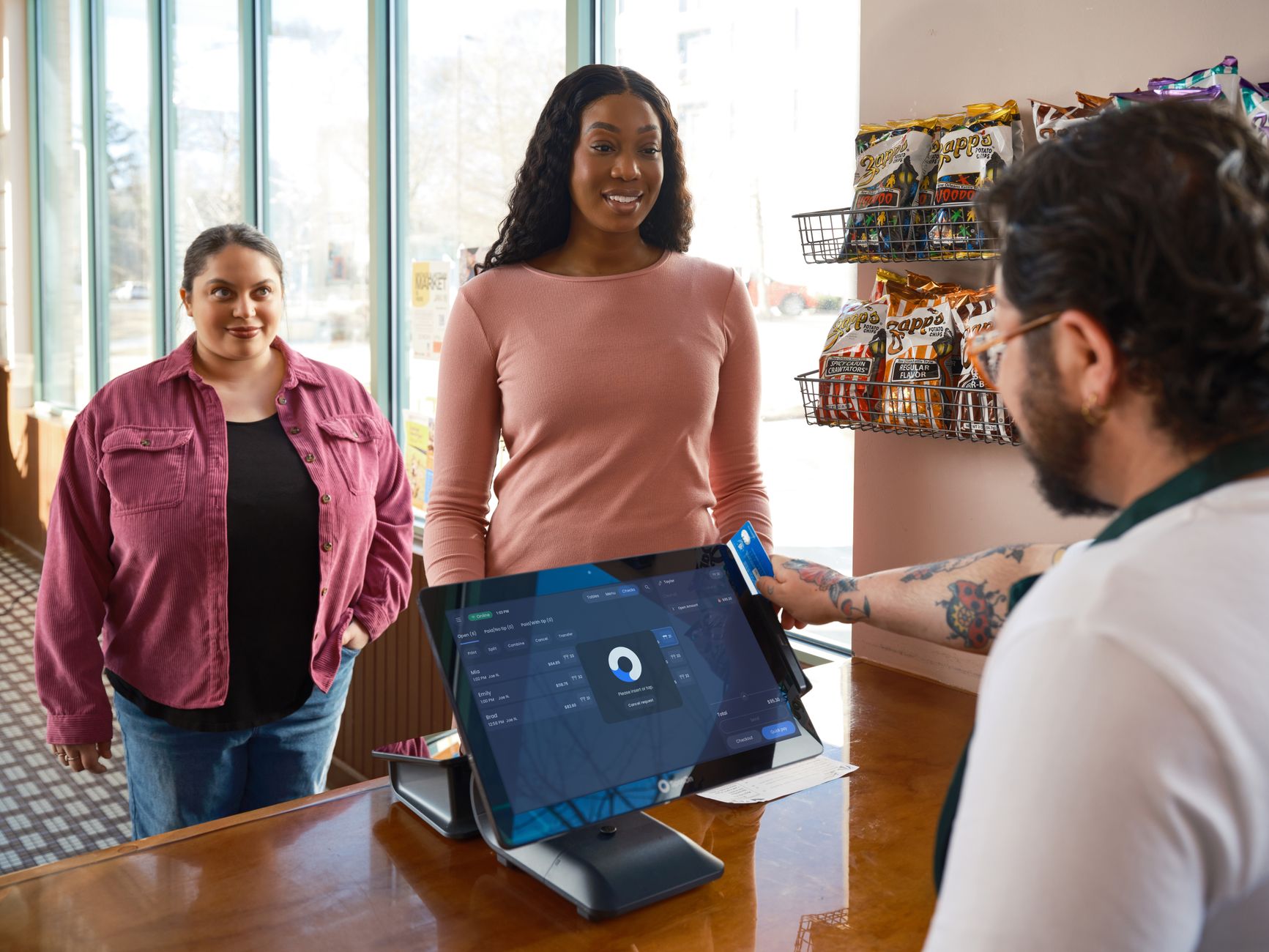
POS Integration: Connecting Your Store To Your Business Systems
Your point of sale system shouldn't sit in isolation. Here's how connecting it to your accounting, inventory, and e-commerce systems transforms your retail operation.
Intro
A point of sale system that only processes transactions is a cash register with a screen. The real value of a modern POS comes from connecting it to the rest of your business systems.
When your POS talks to your accounting software, your inventory is updated automatically. When it talks to your e-commerce platform, your online and in-store stock are synchronized. When it talks to your email marketing, every transaction builds your customer database.
This article covers the POS integrations that matter most and how to approach them.
The Integrations That Matter
Accounting Integration
Every sale in your POS should create an entry in your accounting system. Every payment should be recorded. Every end-of-day batch should reconcile automatically.
Without this integration, someone has to manually enter sales data from the POS into the accounting system. This takes time and introduces errors. With integration, your financial records are always accurate and up to date.
Inventory Management
When a sale is made in your POS, inventory should be updated immediately. When inventory runs low, you should be notified automatically.
For businesses with an online store, this integration is essential. A customer who buys a product online should reduce the same inventory that your retail store uses. Without integration, you risk selling products you don’t have.
E-Commerce Integration
If you sell both online and in-store, your systems need to be connected:
- Products listed in your e-commerce platform should match your POS catalog
- Inventory levels should be synchronized in real time
- Customers should be able to buy online and return in-store
- Online orders should be fulfillable from store inventory
- Customer purchase history should be unified across channels
This integration creates a unified customer experience regardless of how they choose to shop.
Payment Processing
Your POS should work with modern payment methods — credit cards, debit cards, contactless payments, mobile wallets. The payment integration should handle all transaction types, process refunds easily, and provide clear reporting on transaction fees.
Customer Management
Every transaction in your POS should capture customer data. With integration to your CRM or email marketing platform, each sale builds your customer database. You can track purchase history, send targeted promotions, and build loyalty programs based on actual buying behavior.
Benefits Of Integration
No more manual data entry. The single biggest benefit. Every integration eliminates a process where someone copies data from one system to another.
Real-time visibility. When systems are connected, you see the current state of your business, not last night’s reconciliation.
Better customer experience. Customers can buy online and return in-store. They earn loyalty points regardless of channel. Their purchase history is consistent.
Reduced errors. Manual data entry introduces errors. Integration eliminates them at the source.
Faster operations. Automated data flow means your team spends less time on administration and more time serving customers.
Common Challenges
Different data formats. Your POS might call it a “SKU” while your accounting system calls it an “item code.” Mapping fields between systems requires attention.
Timing differences. A sale happens when the customer pays. Inventory is updated when the product is picked. Accounting records when the batch settles. These timing differences need to be handled correctly.
System downtime. When one system is down for maintenance, the integration needs to handle the gap gracefully. Data should be queued and synced when the system comes back.
How To Get Started
-
Start with accounting integration. This is the highest-value integration for most businesses. Accurate financial data is essential.
-
Add inventory synchronization next. If you have an online store, this is the most critical integration. Without it, your inventory will be wrong in one channel or the other.
-
Connect your e-commerce platform. Unify your online and in-store operations. Customers expect a seamless experience.
-
Integrate customer management. Every transaction is an opportunity to learn about your customers. Capture that data and put it to work.
-
Evaluate your next priority. Payment processing, employee management, or reporting. Add integrations one at a time.
Conclusion
A POS system that’s integrated with your other business systems is more than a transaction processor — it’s the central hub of your retail operation. It keeps your inventory accurate, your financial records current, and your customer data complete.
The key is adding integrations deliberately, one at a time. Start with the one that saves the most manual work. Get it working well before adding the next. Each integration builds on the value of the previous one.
Upgrading your POS system?
We build and integrate POS systems that streamline operations and improve the customer experience.
Talk about your POSAbout Microbian Systems
We are a full-service software consultancy helping startups and small to medium enterprises succeed by delivering modern, scalable solutions across web, desktop, and mobile. Our team excels in designing complex systems but we also know when simplicity wins. We build secure, performant applications tailored to each client's growth stage.