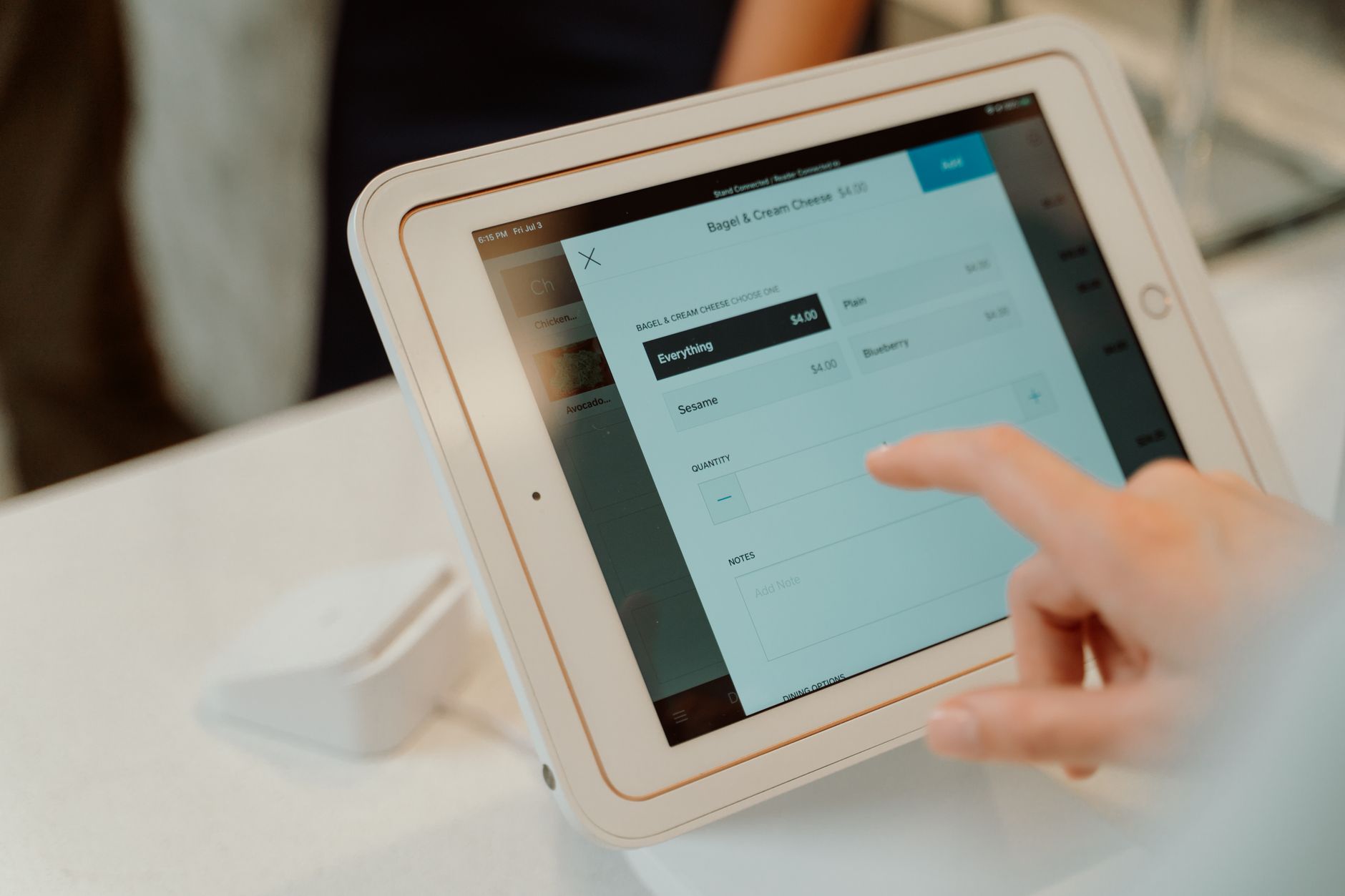
What Is A Point Of Sale System And Does Your Business Need One?
A modern POS system is much more than a cash register. Here's what it does, how it's evolved, and how to know when you need to upgrade.
Intro
If you run a retail business, a restaurant, or any business that processes in-person transactions, your point of sale system is the center of your operation. It’s where sales happen, payments are processed, inventory is updated, and customer data is captured.
But not all POS systems are created equal. The old-style cash register that just takes payments has been replaced by modern POS systems that manage every aspect of your business. If you’re still using a legacy system, you’re missing out on capabilities that could make your business run smoother.
This article covers what a modern POS system does, the benefits of upgrading, and how to choose the right one for your business.
The Business Problem
Your current system might be holding you back without you realizing it:
Limited reporting. You know how much you sold today, but you don’t know which products are most profitable, which customers are most valuable, or which hours of the day are busiest.
No inventory integration. When you make a sale, inventory doesn’t update automatically. You have to track stock separately, and discrepancies are common.
Slow checkout. Your customers wait while you navigate a slow, complicated interface. Every extra second at checkout reduces customer satisfaction.
No customer data. You process transactions but don’t capture customer information. You can’t send follow-up emails, track purchase history, or build loyalty programs.
Separate online and in-store systems. If you sell online and in-store, your systems don’t talk. Inventory is tracked separately. Customers can’t buy online and return in-store. Online orders can’t be fulfilled from store stock.
Expensive and outdated. Your current POS runs on old hardware. Repairs are costly. Software updates are infrequent. You’re paying for maintenance on a system that’s past its useful life.
What A Modern POS Does
Process payments. Accepts credit cards, debit cards, mobile payments (Apple Pay, Google Pay), and cash. Modern systems handle all payment types without expensive proprietary hardware.
Track inventory in real time. When you make a sale, inventory is updated immediately. When stock runs low, you’re alerted. No more manual counts.
Manage customers. Capture customer information with each transaction. Track purchase history. Send targeted promotions. Build loyalty programs.
Generate reports. See sales by product, by employee, by time period, by location. Understand your business with data, not gut feel.
Integrate with other systems. Connect to your accounting software, e-commerce platform, email marketing, and payroll system. Data flows automatically.
Manage employees. Track employee hours, manage shifts, control permissions, and monitor performance.
Handle multi-location. If you have multiple stores, a modern POS manages all locations from a single dashboard. Inventory, pricing, and reporting are unified.
When To Upgrade
You need a modern POS when:
- Your current system is more than 5-7 years old
- You can’t get reports that show you which products are most profitable
- Your inventory is often wrong
- You spend too much time on manual data entry
- You want to offer a loyalty program but your current system can’t support it
- You’re expanding to multiple locations or adding an online store
If any of these sound familiar, it’s time to evaluate your options.
POS Options
Cloud-based POS (Square, Lightspeed, Shopify POS, Toast). Runs on iPads or Android tablets. Low upfront cost. Monthly subscription. Automatic updates. Best for most small to medium businesses.
Legacy POS (NCR, Micros). Traditional systems with dedicated hardware. Higher upfront cost. More expensive to maintain. Still used by larger enterprises but being phased out.
Integrated POS (part of a larger system). Some ERP and retail management systems include POS functionality. Best for businesses that want a single system for all operations.
How To Get Started
-
Define your requirements. What do you need your POS to do? Make a list of must-have features and nice-to-have features.
-
Evaluate cloud-based options first. For most businesses, a cloud-based POS is the right choice. Lower cost, easier to use, automatic updates.
-
Consider your integration needs. What other systems does your POS need to connect to? Accounting, e-commerce, inventory, email marketing? Make sure the POS you choose has the integrations you need.
-
Test with a trial. Most cloud-based POS systems offer free trials. Set one up, process real transactions, and see how it works for your business.
-
Plan the migration. Moving to a new POS requires setting up your products, importing customer data, training your team, and testing your payment processing. Plan for a smooth transition.
Conclusion
A modern point of sale system is one of the most impactful investments a retail or hospitality business can make. It not only processes transactions faster, but gives you visibility into every aspect of your business — inventory, customers, employees, and profitability.
If you’re still using an outdated system, the upgrade pays for itself quickly through better inventory management, improved customer insights, and faster checkout. The modern options are more affordable and easier to use than ever before.
Upgrading your POS system?
We build and integrate POS systems that streamline operations and improve the customer experience.
Talk about your POSAbout Microbian Systems
We are a full-service software consultancy helping startups and small to medium enterprises succeed by delivering modern, scalable solutions across web, desktop, and mobile. Our team excels in designing complex systems but we also know when simplicity wins. We build secure, performant applications tailored to each client's growth stage.